
A single store
A fast till, correct stock and a daily profit figure. Replace the notebook and the spreadsheet in one afternoon.
Standard · 1 store, 10 users


Till, stock, store credit and profit in one system. It runs in the browser, so there is nothing to install.
A single shop by the bazaar or a chain across the city. Payzor grows with the store, and every branch stays in one account.
A fast till, correct stock and a daily profit figure. Replace the notebook and the spreadsheet in one afternoon.
Standard · 1 store, 10 users
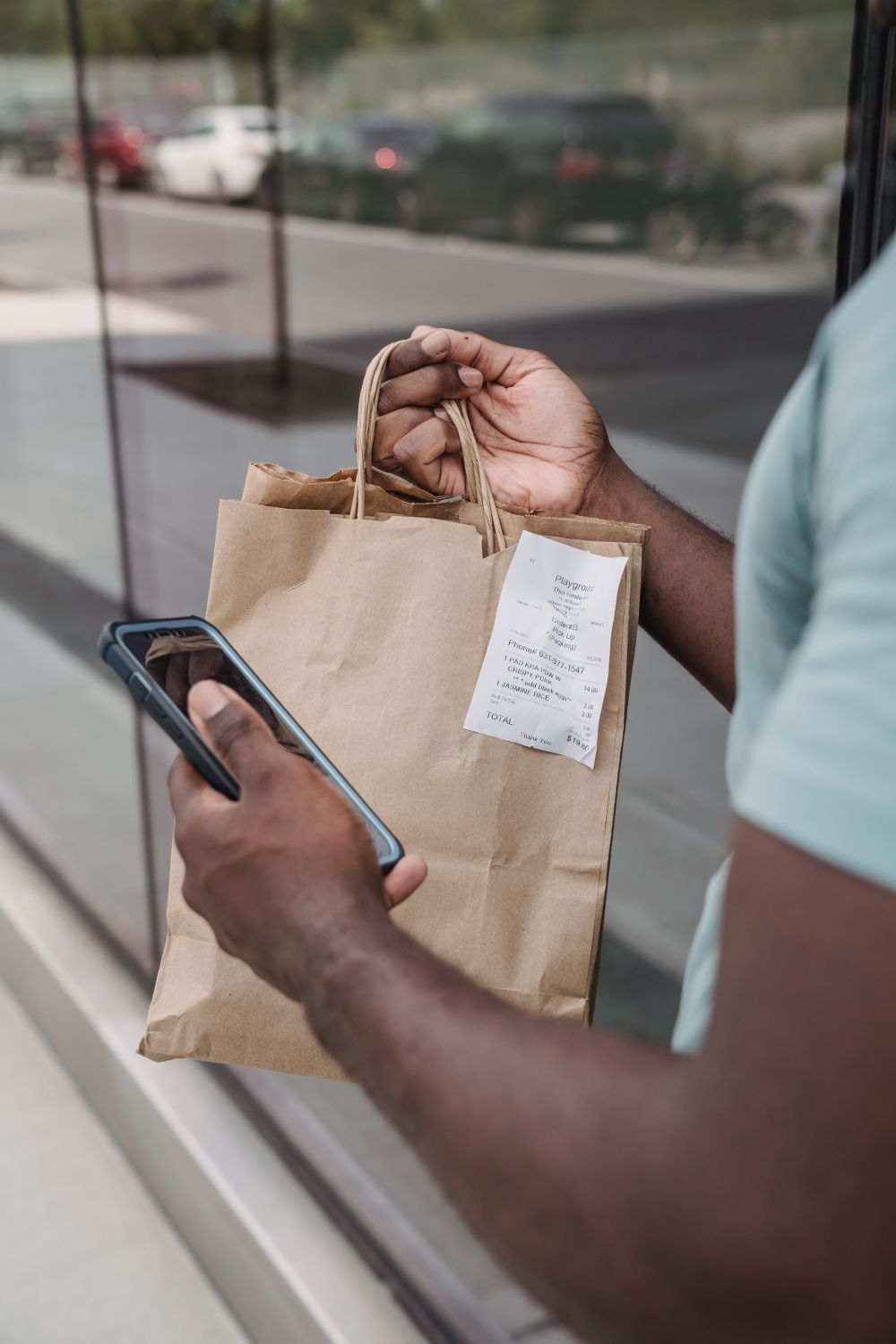
Nasiya at the till with a schedule, markup and guarantor. Customers get a Telegram reminder before each payment.
Every plan · late fees and credit limits

Each branch keeps its own stock, till and reports. Roles per branch and an activity log show who did what.
Premium or Enterprise · 3 stores and up

A sale at the till moves stock, books the payment and feeds the profit report. Nobody types the same number twice.
Cashiers work from the keyboard. Cash, card and online fit on one receipt, and change is worked out for them.
Deliveries, sales, refunds and write-offs land in one stock ledger, with sizes and colours.
Net profit from sales, cost, expenses and credit payments, every day, by product, cashier and category.
Three parts carry most of the work. Reports, roles, promotions and the bonus card come with every plan.
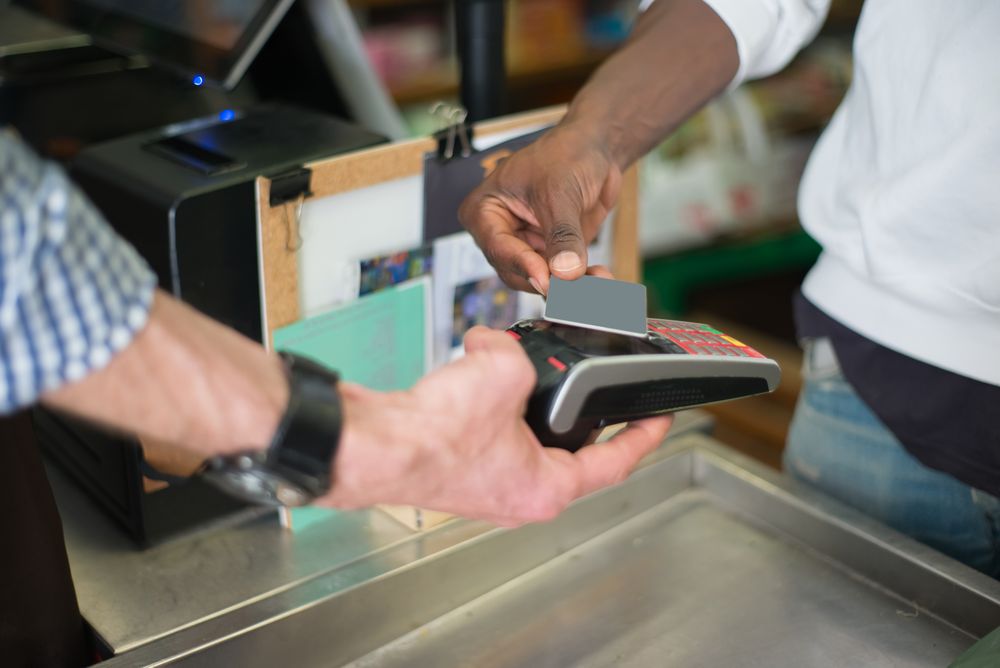 Till
TillFind any item by barcode or name and close the sale in seconds.
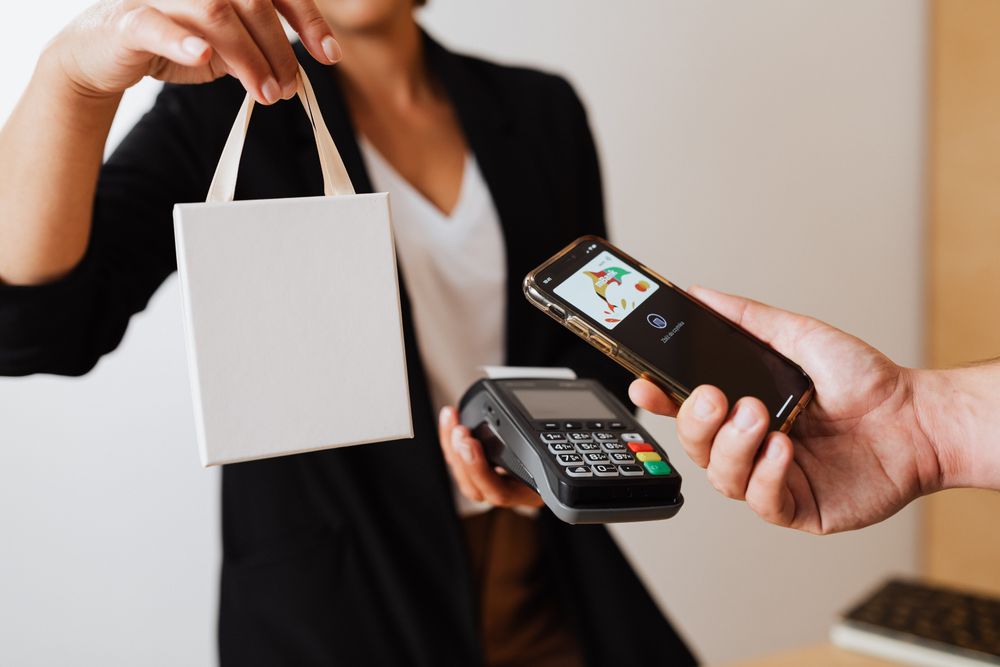 Store credit
Sell on installments at the till and always know who owes how much.
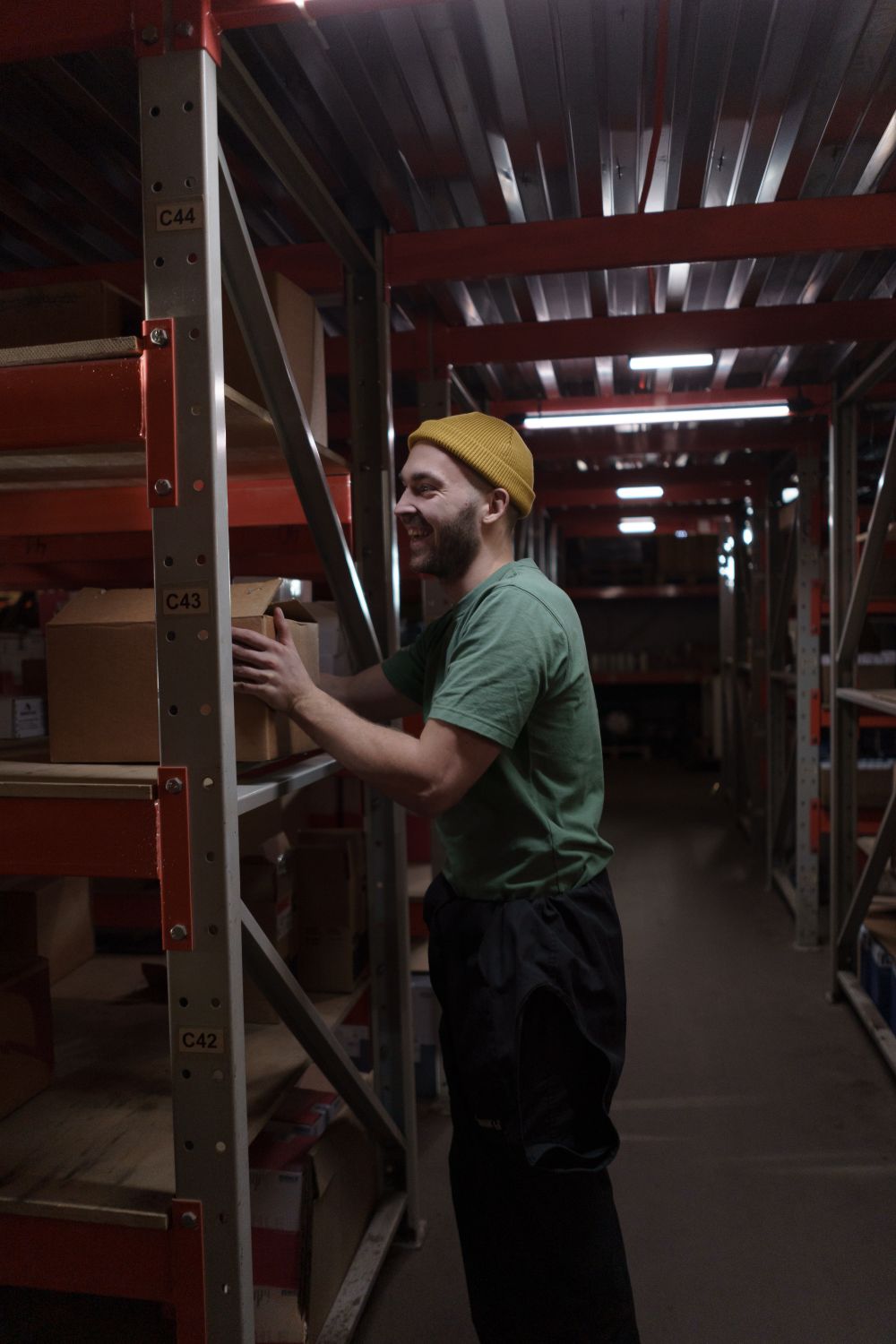 Stock
StockProducts with sizes and colours, deliveries, stocktakes and labels.

A browser is enough, on a computer, tablet or phone.
Uzbek, Russian and English, chosen by each employee.
Separate stock and reports, one place to see them.
Your data is kept on the server and backed up every day.
No hidden fees. Save 20% when you pay yearly.
250 000UZS / per month
400 000UZS / per month
Customfor chains
| Feature | Standard | Premium | Enterprise |
|---|---|---|---|
| Stores (branches) | 1 | 3 | Unlimited |
| Users | 10 | 20 | Unlimited |
| Each extra branch (per month) | +70,000 UZS | +120,000 UZS | Custom |
| Till, products, stock, customersUnlimited products, customers and sales; suppliers | |||
| Shift managementOpen/close shifts, cash reconciliation and shift reports | |||
| Promotions, coupons, loyalty | |||
| Nasiya (pay later)Payment schedules, late fees and credit limits | |||
| Telegram botCustomer reminders, staff alerts and the daily summary | |||
| Income and expense management | |||
| Advanced financial analysisCash in, cash flow, payment journal | |||
| Advanced reportsBy product, category and cashier, stock value, receivables aging | |||
| Custom dashboardChoose which widgets to show or hide on your dashboard | |||
| SMS notifications for customers | |||
| Click, Payme, Uzum integration | |||
| Custom integrations1C, ERP, accounting | |||
| Custom development and features | |||
| Support | Online | Personal, once a month | Personal manager, 24/7 |
| Setup and training | Free setup help | Data migration and team training |
We set the store up with you, so the till is ready before your next working day.
Tell us about the store and how many branches you have.
Takes a minuteWe show Payzor on your own products and pick a plan together.
Same or next dayWe bring over products and customers from Excel or old software.
Free on PremiumConnect the scanner and printer, add cashiers and open the shift.
At yourstore.payzor.uz“We no longer guess who owes what on nasiya. With the Telegram reminders, payments come in on time.”
“I see the stock and reports of all three branches from one account, and know right away what is running low where.”
“We used to count the day’s takings in a notebook. Now I see the profit on one screen every evening, and the cashiers learned it in a day.”
Something else on your mind? Write to us and we will answer within the working day.
No. Payzor runs in the browser: a computer, tablet or phone is enough. It works with a regular USB barcode scanner, a 58 or 80 mm receipt printer and a label printer.
Payzor runs in the cloud, so it needs an internet connection. Your data is stored on the server and backed up every day.
Yes. We help you move your product and customer lists — leave a request.
The unpaid part of a sale goes on credit right at the checkout: with a schedule, markup, guarantor and late fees. The customer gets reminders on Telegram.
Yes. Each branch has its own stock, checkout and reports, and you manage them all from one account. Extra branches are billed per plan.
Each business’s data is kept separate from the others, sign-in is password-protected and every action is logged. We never sell your data.
We’ll call you, connect your business and help you set it up.

We move your products and train your cashiers. You keep selling.